
What Is Open Design AI? A Complete Guide for Beginners
What Is Open Design AI? A Complete Guide for Beginners
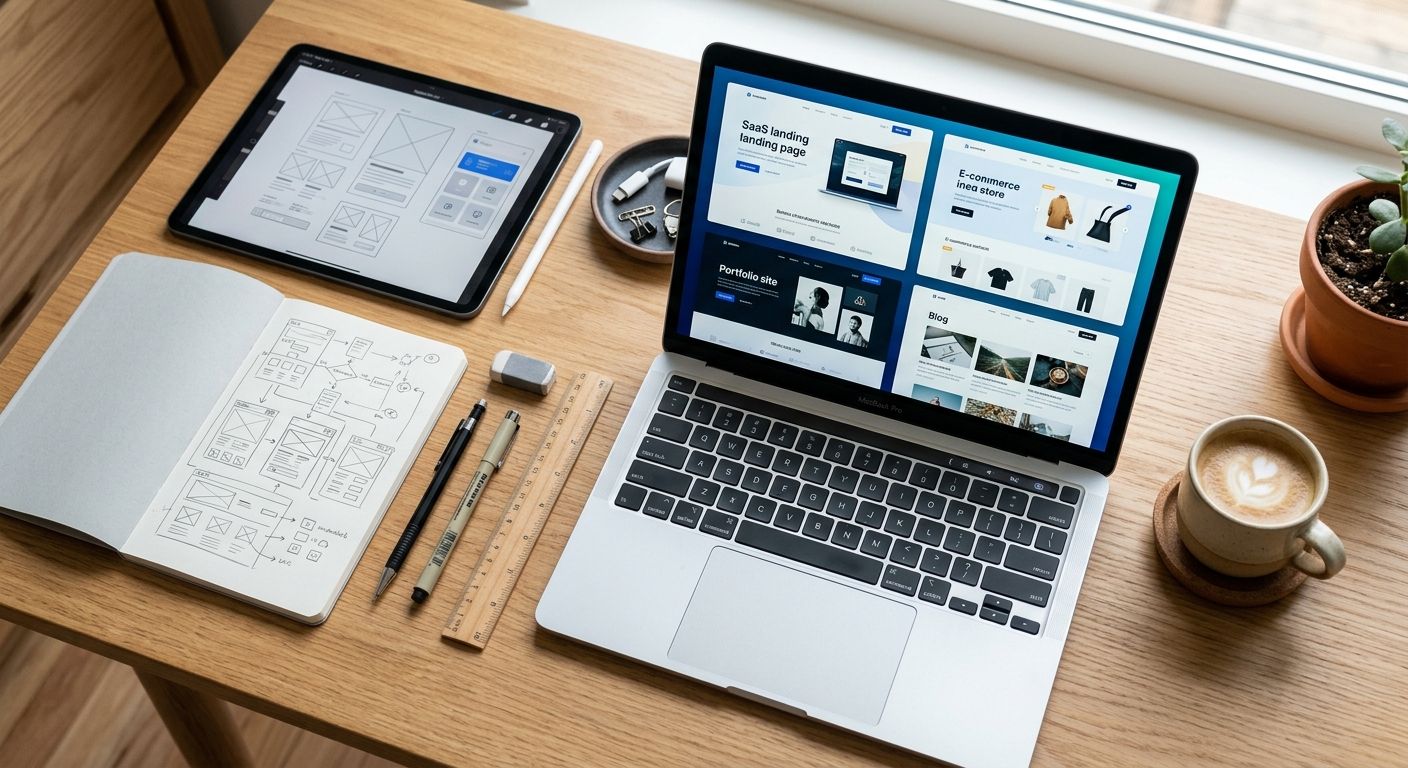
Open Design AI is an open-source, local-first AI design workspace that helps you generate design concepts, landing pages, dashboards, brand systems, and visual assets using AI agents instead of building everything manually from scratch. In simple terms, it lets you describe what you want to create, then uses an AI-powered workflow to turn that idea into a usable design direction.
| Category | AI Design Tool |
|---|---|
| Best For | Designers, Developers & Founders |
| License | Open Source |
| Platform | Local-first |
| Official Website | https://open-design.ai |
Table of Contents
- What Is Open Design AI?
- How Does Open Design AI Work?
- Who Is Open Design AI For?
- How to Use Open Design AI
- Best Use Cases
- Pros and Cons
- Open Design AI vs Other AI Design Tools
- Open Design AI Pricing
- Frequently Asked Questions
- Final Thoughts
What Is Open Design AI?
Open Design AI is an AI design workspace built for people who want to create visual concepts faster without depending entirely on traditional design software. The platform describes itself as an open-source, local-first alternative to Claude Design, focused on turning AI coding agents into design engines.
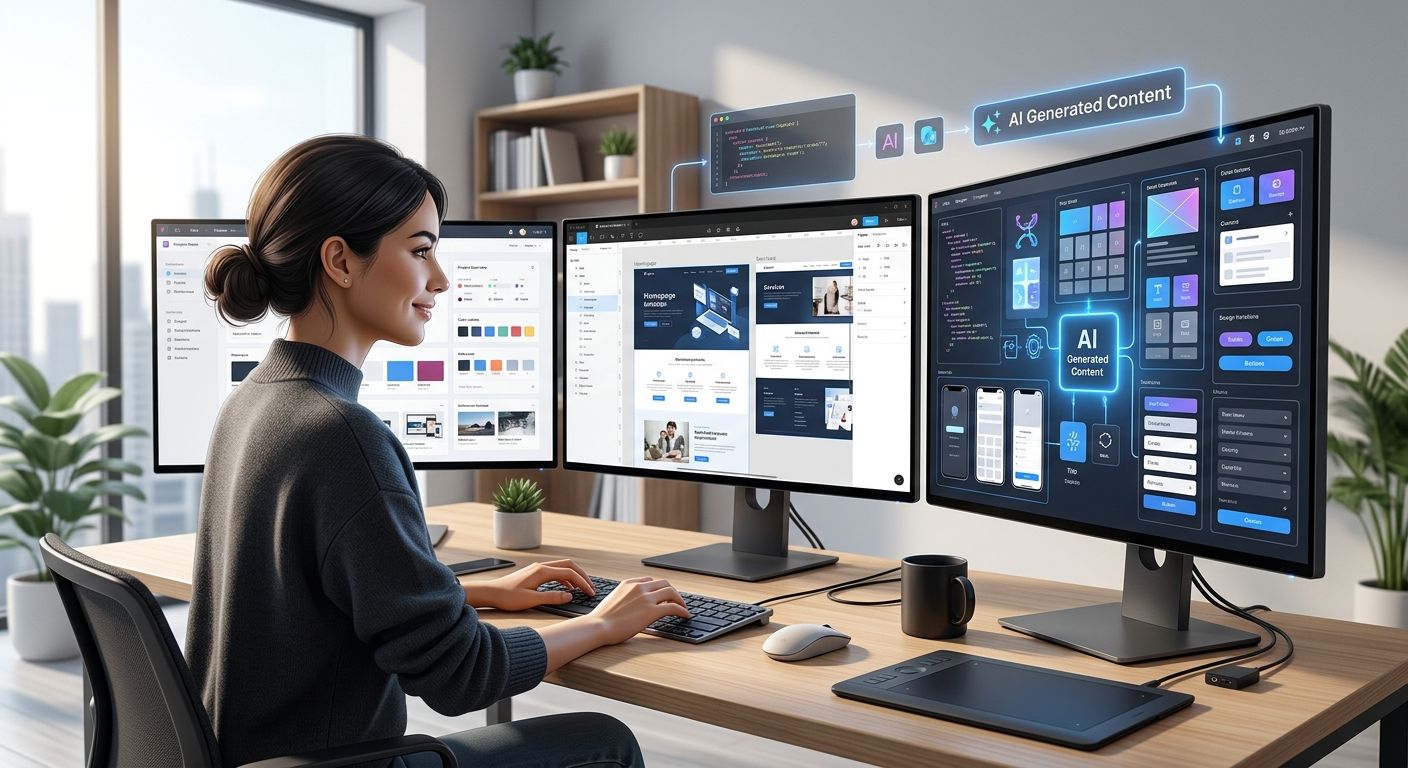
Instead of starting with a blank canvas, you describe what you want to create. Open Design AI can then help generate assets such as landing pages, dashboards, decks, interface concepts, brand systems, and other design outputs.
What makes Open Design AI especially interesting in 2026 is its positioning. It is not just another hosted AI design app. It is built around a local-first, bring-your-own-key approach, which means users can connect their own AI agents and keep more control over their files, workflow, and design system.
For designers, developers, founders, marketers, and creators, this matters because AI design is moving beyond simple image generation. The real value now is workflow acceleration: going from idea to prototype, from rough concept to branded system, and from static mockup to something closer to production-ready output.
My practical view: Open Design AI should not be treated as a replacement for good design judgment. It is better understood as a creative acceleration layer. It can help you explore ideas faster, but the final quality still depends on your ability to evaluate layout, hierarchy, accessibility, copy, branding, and user experience.
How Does Open Design AI Work?
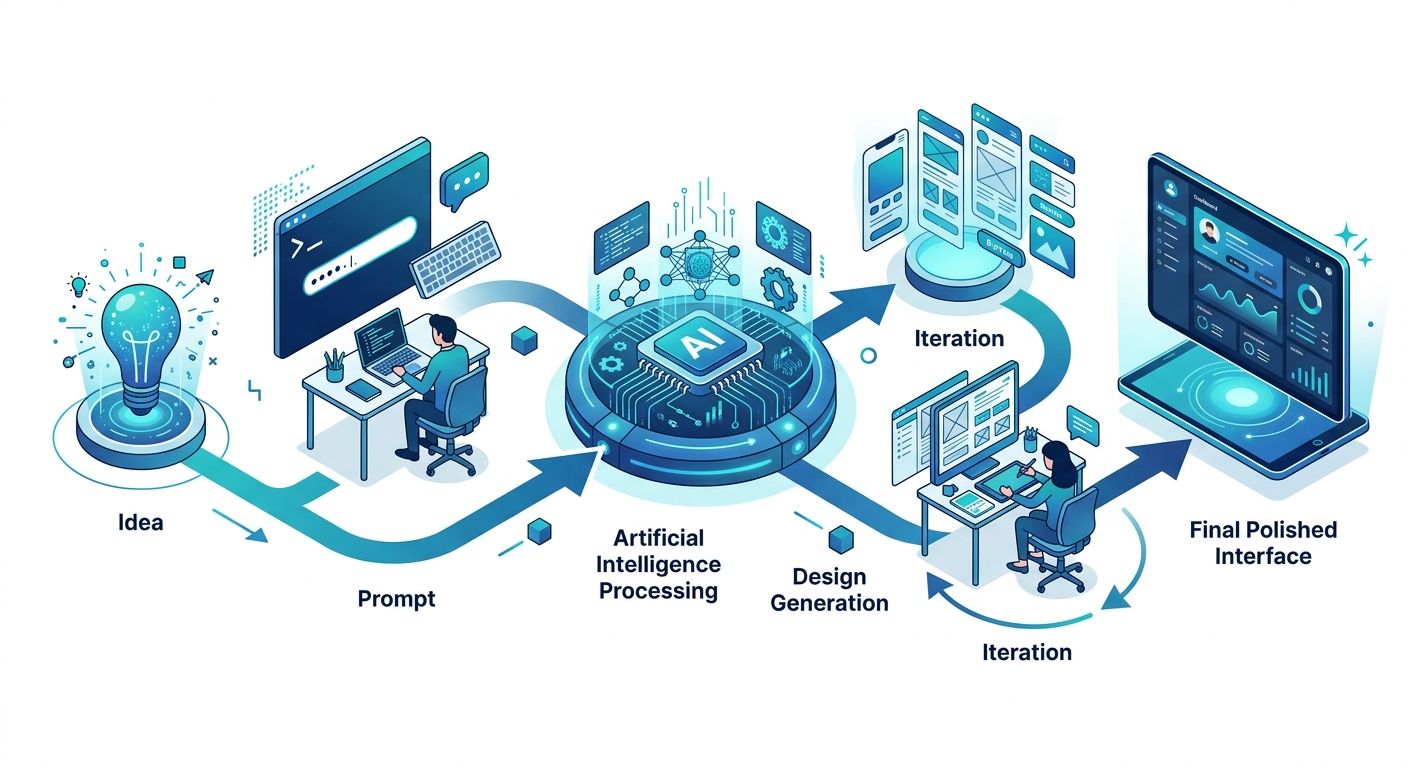
Open Design AI works by connecting design tasks with AI agents. Instead of asking a designer to manually create every visual element, the user gives instructions to an AI-powered system that can generate, refine, and organize design outputs.
The workflow is usually based on four steps:
- You describe the design you want.
- The AI agent interprets the request.
- Open Design AI generates a design direction or asset.
- You review, refine, export, or continue editing the result.
For example, you might ask it to create a SaaS landing page, a product dashboard, a pitch deck, or a brand system. The more specific your instructions are, the better the result usually becomes.
A weak prompt would be:
Create a website.
A stronger prompt would be:
Create a modern landing page for an AI SEO platform. Use a clean SaaS layout, a strong hero section, blue and white colors, social proof, feature cards, pricing blocks, and a clear call to action for booking a demo.
The second prompt gives the AI much more context: industry, audience, layout, visual direction, color palette, and conversion goal.
Who Is Open Design AI For?

Open Design AI is most useful for people who need to create visual concepts quickly but still want control over the final result.
Startup Founders
Founders can use Open Design AI to create quick landing page concepts, MVP screens, product mockups, pitch visuals, and early-stage brand directions before hiring a full design team.
Designers
Designers can use it as an ideation tool. Instead of replacing their work, it can speed up brainstorming, layout exploration, moodboard creation, and early prototyping.
Developers
Developers who are comfortable working with AI coding agents may find Open Design AI especially useful because it connects design generation with more technical workflows.
Marketers
Marketing teams can use it to produce campaign concepts, ad creatives, landing page ideas, presentation visuals, and branded content faster.
Content Creators
Creators can use it to generate visual assets for blogs, newsletters, YouTube thumbnails, lead magnets, social media posts, and digital products.
How to Use Open Design AI

One of the reasons Open Design AI has attracted so much attention is that getting started doesn’t require a traditional design background. If you can clearly describe what you want to build, you’re already halfway there.
That said, the quality of the results depends much more on how you communicate with the AI than on the tool itself. Learning to write better prompts and refine the generated output will make a much bigger difference than simply clicking “Generate.”
Here’s the workflow I’d recommend if you’re using Open Design AI for the first time.
Step 1: Start With a Clear Objective
Before writing your first prompt, define exactly what you’re trying to create.
Ask yourself a few simple questions:
- Who is this design for?
- What problem does it solve?
- What action should users take?
- Where will the design be published?
- What style best represents the brand?
Spending one minute answering these questions usually produces far better results than jumping straight into the AI.
Step 2: Write a Detailed Prompt
Most beginners make the same mistake: they write prompts that are too short.
Instead of asking the AI to create a generic landing page, provide enough context for it to understand the project.
For example:
Create a modern SaaS landing page for an AI SEO platform. Use a clean layout with plenty of white space, blue gradients, rounded cards, customer testimonials, pricing plans, FAQ section and a strong call-to-action encouraging visitors to book a demo.
This prompt gives the AI information about the audience, the product, the visual style and the page structure.
Step 3: Generate Multiple Versions
Don’t expect the first result to be perfect.
One of the biggest advantages of AI is the ability to generate several design directions in just a few minutes.
Professional designers rarely stop after the first concept, and you shouldn’t either.
Create multiple versions, compare them, and combine the strongest ideas into a final design.
Step 4: Refine the Design
Once you’ve found a promising concept, continue improving it.
Rather than starting over, ask the AI to make incremental changes.
For example:
- Increase the spacing between sections.
- Use a more premium color palette.
- Make the typography more modern.
- Reduce visual clutter.
- Add more emphasis to the primary CTA.
- Create a more enterprise-style layout.
- Improve accessibility and readability.
Small refinements often produce much better results than completely rewriting your prompt.
Step 5: Apply Human Review
No matter how impressive the AI output looks, don’t publish it immediately.
Take a few minutes to review:
- Typography consistency
- Spacing
- Color accessibility
- Brand guidelines
- Content accuracy
- Call-to-action placement
- Overall user experience
AI is excellent at generating ideas quickly, but human judgment is still essential for producing professional work.
Writing Better Prompts for Open Design AI

If there’s one skill that will improve your results more than anything else, it’s prompt writing.
A good prompt tells the AI exactly what you’re trying to achieve instead of leaving it to guess.
The best prompts usually include:
- The type of project
- The target audience
- The desired visual style
- The color palette
- The layout structure
- The tone of the design
- The final objective
Example Prompt 1: SaaS Landing Page
Create a modern SaaS landing page for an AI writing assistant. Use a minimalist layout with blue gradients, large headings, customer logos, feature cards, pricing tables, testimonials and a prominent “Start Free Trial” button. The design should feel clean, trustworthy and enterprise-ready.
Example Prompt 2: Mobile App
Design a personal finance mobile application with a premium interface, rounded cards, spending charts, dark mode support and a clean Apple-inspired visual style.
Example Prompt 3: Dashboard
Create a dashboard for an SEO platform showing keyword rankings, traffic trends, backlinks, technical SEO issues and AI recommendations. Use a professional B2B style with a modern data visualization layout.
The difference between an average prompt and a great prompt is usually the amount of context you provide.
Best Use Cases for Open Design AI
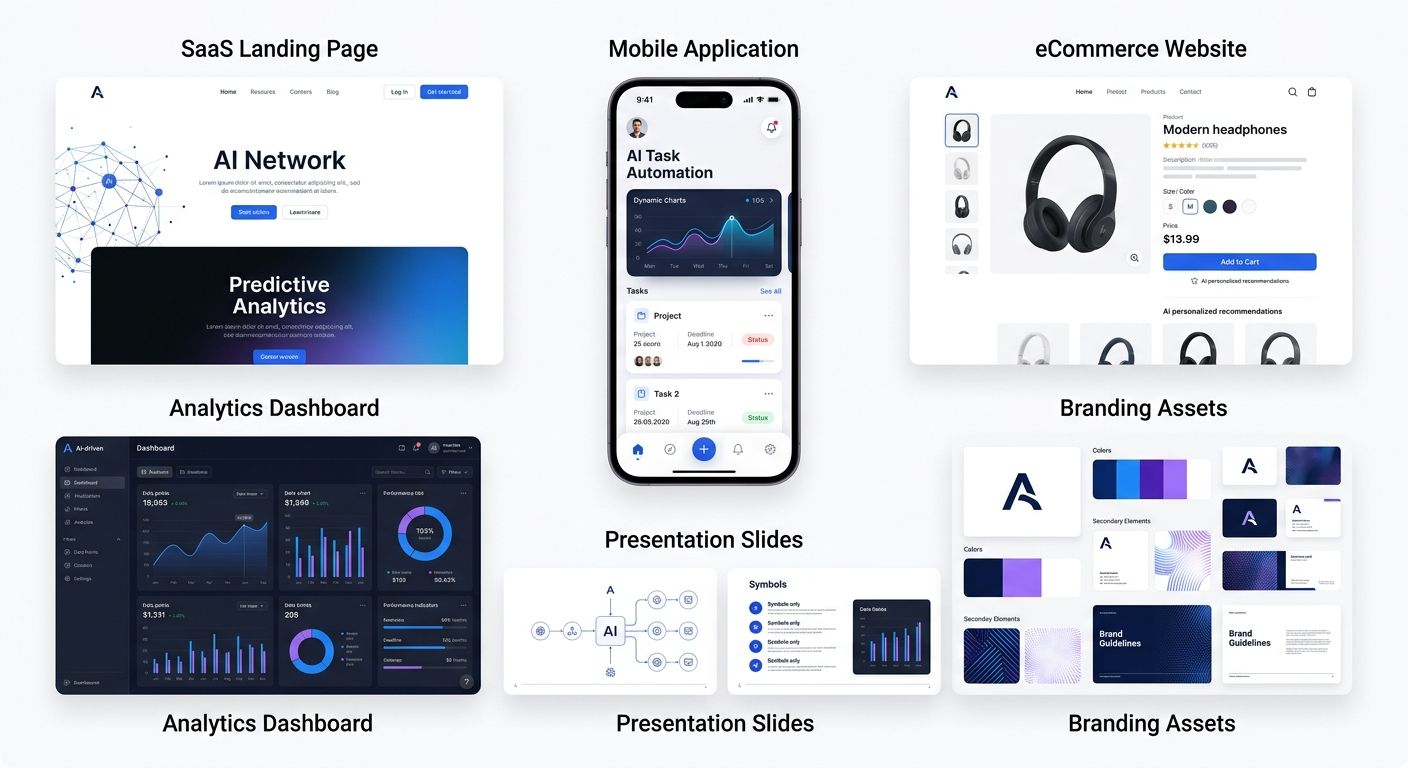
Open Design AI isn’t limited to professional designers. Depending on your workflow, it can save hours of repetitive work every week.
Landing Pages
Generate high-converting landing page concepts before moving into development.
Product Design
Create dashboards, admin panels, onboarding flows and interface concepts much faster than starting from a blank canvas.
Brand Exploration
Experiment with typography, color palettes and visual identity before committing to a final branding direction.
Marketing Assets
Create graphics for social media, presentations, lead magnets, advertising campaigns and promotional materials.
Client Presentations
Freelancers and agencies can quickly generate visual concepts to communicate ideas before investing hours in production-ready designs.
Common Mistakes Beginners Make
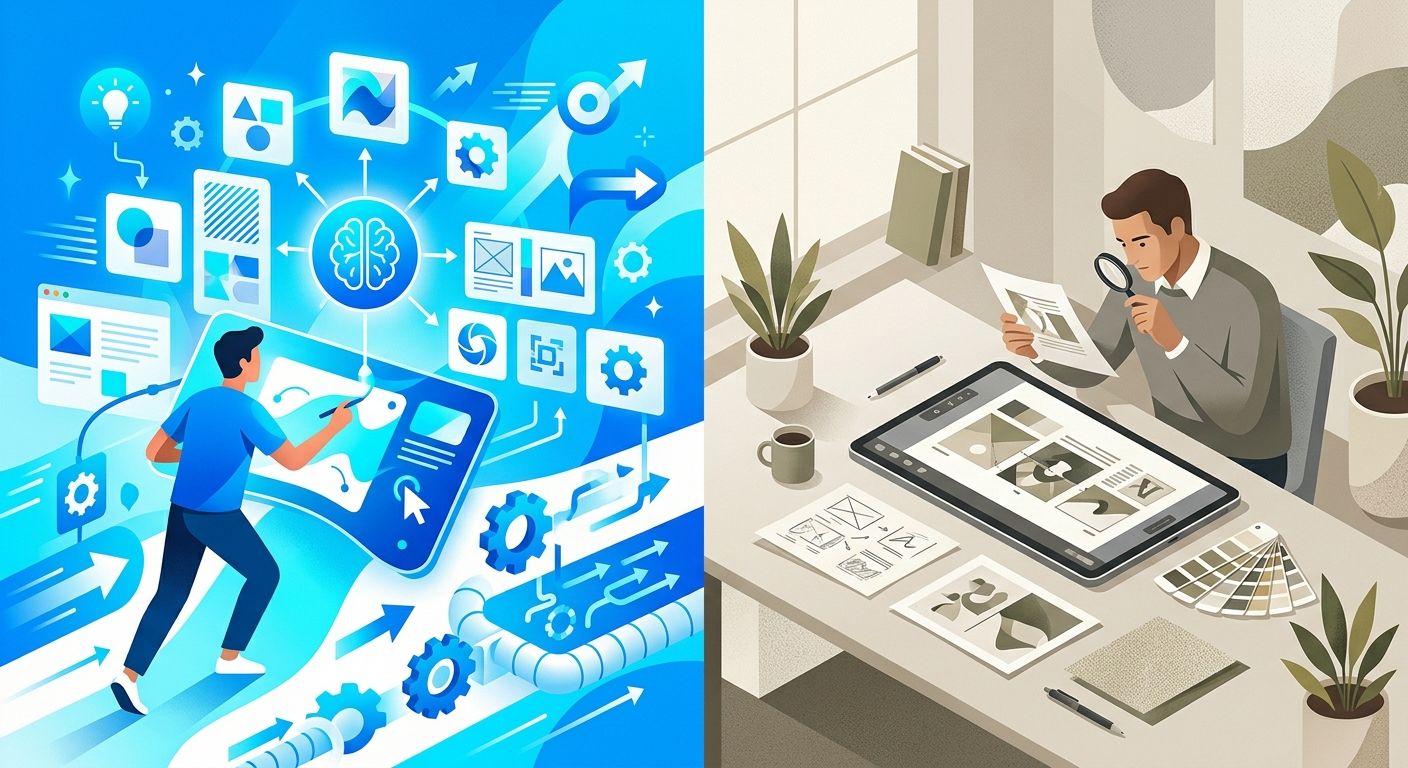
After experimenting with AI design platforms, several mistakes appear repeatedly among new users.
- Writing prompts that are too vague.
- Expecting the first result to be perfect.
- Ignoring brand consistency.
- Publishing AI-generated designs without review.
- Using AI as a replacement instead of a creative assistant.
The users who achieve the best results are usually those who combine AI speed with human creativity, critical thinking and design experience.
Open Design AI vs Other AI Design Tools

The AI design landscape has evolved rapidly over the last two years. Today, there isn’t a single tool that’s objectively “the best.” Instead, each platform excels at different stages of the creative process.
Open Design AI focuses on AI-assisted design generation and local-first workflows, while other platforms specialize in collaborative design, website creation, or production-ready interfaces.
| Tool | Best For | AI Capabilities | Ideal User |
|---|---|---|---|
| Open Design AI | AI-powered design workflows | ★★★★★ | Designers, developers and founders |
| Figma AI | Collaborative UI/UX design | ★★★★☆ | Product teams |
| Canva AI | Marketing assets | ★★★★☆ | Content creators |
| Framer AI | Website generation | ★★★★★ | Freelancers and startups |
| Galileo AI | UI generation | ★★★★★ | UX designers |
| Lovable | Full-stack app generation | ★★★★★ | Founders and developers |
| v0 by Vercel | React interfaces | ★★★★★ | Frontend developers |
| Bolt.new | Rapid web application development | ★★★★★ | Developers |
Rather than competing directly, many of these tools complement each other. It’s increasingly common to combine multiple AI platforms within the same project.
Open Design AI vs Figma AI
Although both platforms incorporate artificial intelligence, they serve different purposes.
Figma AI extends an already mature collaborative design environment. It’s ideal for teams managing production-ready design systems, reusable components, and large UI projects.
Open Design AI takes a different approach by helping users generate concepts quickly from natural language prompts. Instead of focusing on collaboration first, it prioritizes rapid ideation and creative exploration.
If your daily work revolves around product design systems and collaboration, Figma AI is likely the stronger option. If your priority is moving from an idea to a visual concept as quickly as possible, Open Design AI offers a more AI-first workflow.
Open Design AI vs Canva AI
Canva AI is built for accessibility. It enables almost anyone to create presentations, social media graphics, marketing materials, and simple designs with minimal effort.
Open Design AI targets a different audience. Rather than focusing on ready-made templates, it aims to accelerate the creative process itself by generating design concepts and workflows that can evolve into more sophisticated projects.
If you mainly create marketing assets, Canva remains one of the easiest platforms to use. If you’re designing products, interfaces, or digital experiences, Open Design AI provides greater flexibility.
Open Design AI vs Framer AI
Framer AI specializes in transforming prompts into responsive websites that can be published almost immediately.
Open Design AI is more focused on design generation than website publishing.
For teams looking to launch websites quickly, Framer AI may be the better choice. For teams exploring concepts before development begins, Open Design AI can fit earlier in the workflow.
Open Design AI vs Lovable
Lovable has become one of the fastest-growing AI development platforms because it doesn’t stop at design—it generates working applications.
Open Design AI concentrates on the creative and visual layer, while Lovable extends into application development.
Many founders may eventually use both platforms: Open Design AI for visual exploration and Lovable for building functional products.
Open Design AI vs Galileo AI
Galileo AI has earned a strong reputation for generating polished user interface designs from simple prompts.
Open Design AI appears to take a broader approach, positioning itself as an open and extensible design workspace rather than focusing exclusively on UI generation.
Your choice depends on whether your primary goal is interface design or a more flexible AI-assisted design workflow.
Pros and Cons of Open Design AI

Pros
- Open-source philosophy.
- Local-first workflow.
- Supports AI-driven design generation.
- Fast idea exploration.
- Suitable for designers and developers.
- Helps reduce repetitive creative work.
- Encourages iterative design rather than static generation.
Cons
- Still evolving compared with more established platforms.
- Results depend heavily on prompt quality.
- AI-generated designs still require human review.
- Learning effective prompting takes practice.
- Not intended to replace professional design expertise.
Open Design AI Pricing
Because Open Design AI is evolving quickly, pricing and licensing may change over time.
Before choosing a plan or integrating it into your workflow, it’s worth checking the latest information on the official website.
You can find the most up-to-date details here:
If you’re planning to use Open Design AI professionally, I also recommend reviewing the project’s documentation and GitHub repository. Open-source AI projects often evolve rapidly, adding new integrations, supported models, and workflow improvements over relatively short periods.
Is Open Design AI Worth Using in 2026?

The answer depends on your expectations.
If you’re looking for a tool that automatically replaces professional designers, you’ll probably be disappointed. That’s not what Open Design AI is trying to achieve.
However, if your goal is to accelerate ideation, explore multiple creative directions, reduce repetitive work, and integrate AI into your design workflow, it represents an interesting project that’s worth following.
Perhaps its biggest strength isn’t producing perfect designs on the first attempt. Instead, it’s helping creative professionals spend less time staring at a blank canvas and more time refining strong ideas.
As AI becomes an increasingly important part of modern design workflows, tools like Open Design AI demonstrate how human creativity and artificial intelligence can complement each other rather than compete.
Frequently Asked Questions
Is Open Design AI free?
Open Design AI is an open-source project, but available features, licensing, and any commercial offerings may evolve over time. For the latest information, visit the official website or the project’s GitHub repository.
Can beginners use Open Design AI?
Yes. Although designers and developers may get the most out of the platform, beginners can also use Open Design AI thanks to its prompt-based workflow. The key is learning how to write clear instructions that describe the desired outcome.
Is Open Design AI better than Figma AI?
Not necessarily. The two platforms solve different problems. Figma AI enhances an established collaborative design environment, while Open Design AI focuses on AI-assisted design generation and rapid ideation. The better choice depends on your workflow and project requirements.
Can Open Design AI replace professional designers?
No. While AI can accelerate repetitive tasks and generate design concepts quickly, professional designers still play a critical role in user experience, accessibility, branding, information architecture, and final design decisions.
What can you create with Open Design AI?
Depending on the project’s capabilities and future updates, Open Design AI can assist with landing pages, dashboards, marketing assets, interface concepts, presentations, branding ideas, and other visual design tasks.
Does Open Design AI work with AI coding tools?
One of the project’s goals is to integrate AI-assisted design workflows with modern AI agents. As the platform continues to evolve, it’s worth checking the official documentation for the latest supported integrations and capabilities.
Final Thoughts
Open Design AI represents an interesting direction for the future of AI-assisted design. Rather than trying to replace designers, it focuses on helping creative professionals move from an idea to a visual concept much faster.
Its open-source philosophy and local-first approach also make it stand out in a market where many AI tools operate exclusively as cloud-based services. For users who value flexibility, transparency, and greater control over their workflow, that’s an important distinction.
Like any AI-powered platform, the quality of the results depends on how it’s used. The best outcomes come from combining clear prompts, thoughtful iteration, and human expertise. AI can generate ideas at remarkable speed, but it’s still people who provide creativity, strategy, and critical thinking.
If you’re exploring new ways to speed up your design workflow, Open Design AI is definitely a project worth following as it continues to evolve.
Additional Resources
What’s Next?
If you’re interested in AI-powered design workflows, you may also enjoy our upcoming guides covering prompt engineering for design, AI website builders, Open Design AI alternatives, and detailed comparisons with tools such as Figma AI, Canva AI, Framer AI, Lovable, and v0.
As the AI design ecosystem evolves, we’ll continue updating this guide to reflect new features, integrations, and best practices, so consider bookmarking this page for future reference.
Looking to implement AI tools like Open Design AI into your business or marketing strategy? Contact me for tailored advice on AI adoption, SEO, automation, and digital growth.
Transparency: AI supported research, drafting and visual production. JR Studio reviewed and edited the final content.
This post is also available in:



Leave a Reply
Want to join the discussion?Feel free to contribute!